Give With Confidence
Choose a Support Channel
PayPal
Donate online through IICF's official PayPal account.
Step by step
-
Open PayPal
-
Open PayPal in your browser or mobile app.
-
Open the IICF fundraiser
-
Confirm the recipient
-
Confirm that the recipient details match IICF before continuing.
-
Complete your donation
-
Enter your donation amount, complete the PayPal payment, and keep the confirmation for your records.
Check
Support IICF by mailing a check.
Step by step
-
Prepare or write a check payable to IICF
-
Mail the check to
-
PO Box 600441
-
San Diego, CA 92160-0441
Zelle
Send a bank-to-bank contribution through Zelle.
Zelle recipient and steps
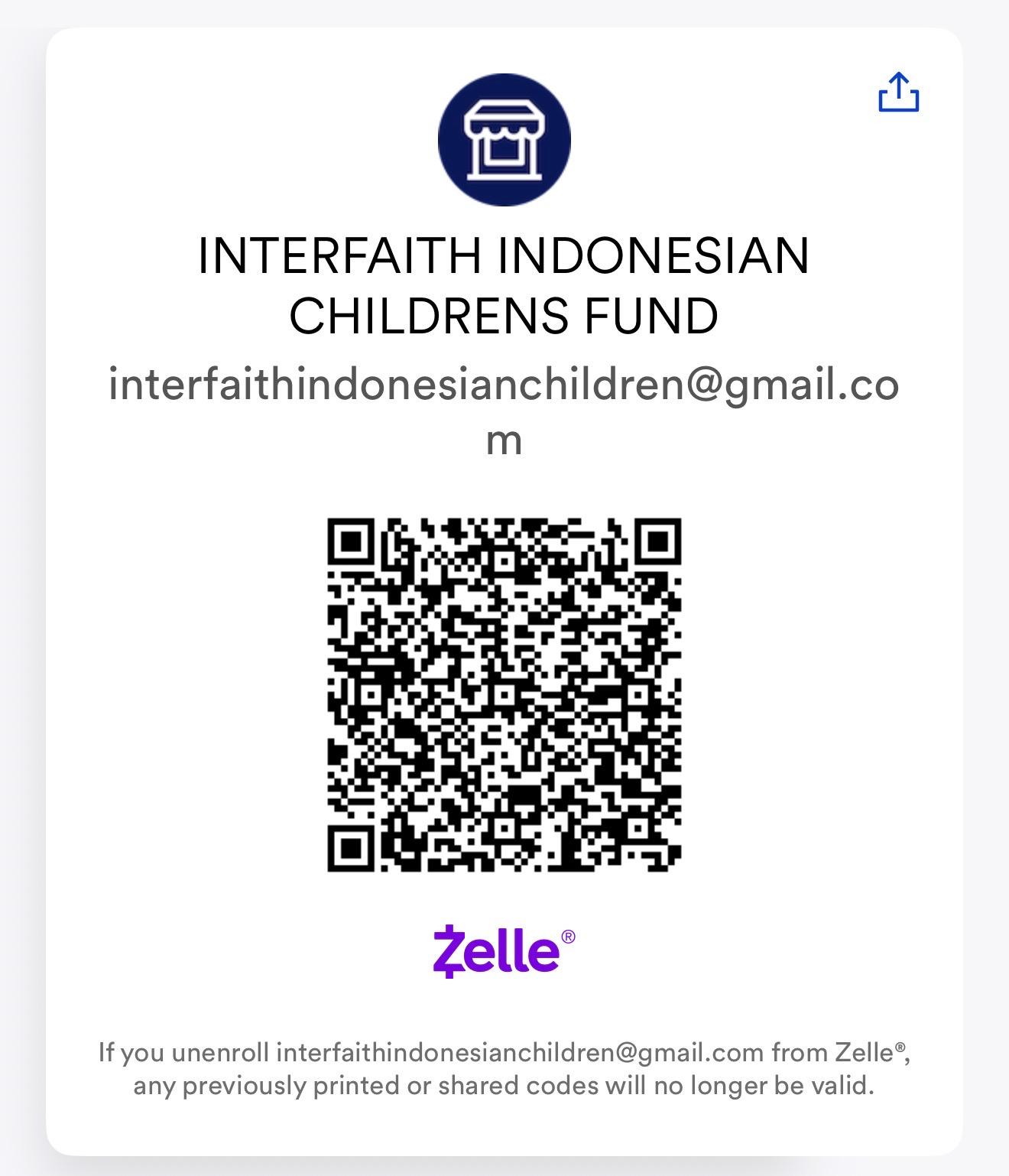 Scan the QR code or enter the enrolled email address: interfaithindonesianchildren@gmail.com.
How It Works with an Email
-
Open Zelle
-
Use the verified IICF Zelle recipient details.
-
Log in to your bank's mobile app or the official Zelle app.
-
Select the Send Money with Zelle option.
-
Enter Email & Amount
-
Type in the recipient's enrolled email address carefully: interfaithindonesianchildren@gmail.com.
-
Enter the dollar amount you want to send.
-
Confirm and Send
-
Review the recipient's name to ensure accuracy.
-
Tap Send, and the funds will move directly from your bank account.
For your security, use only donation details provided directly by IICF.